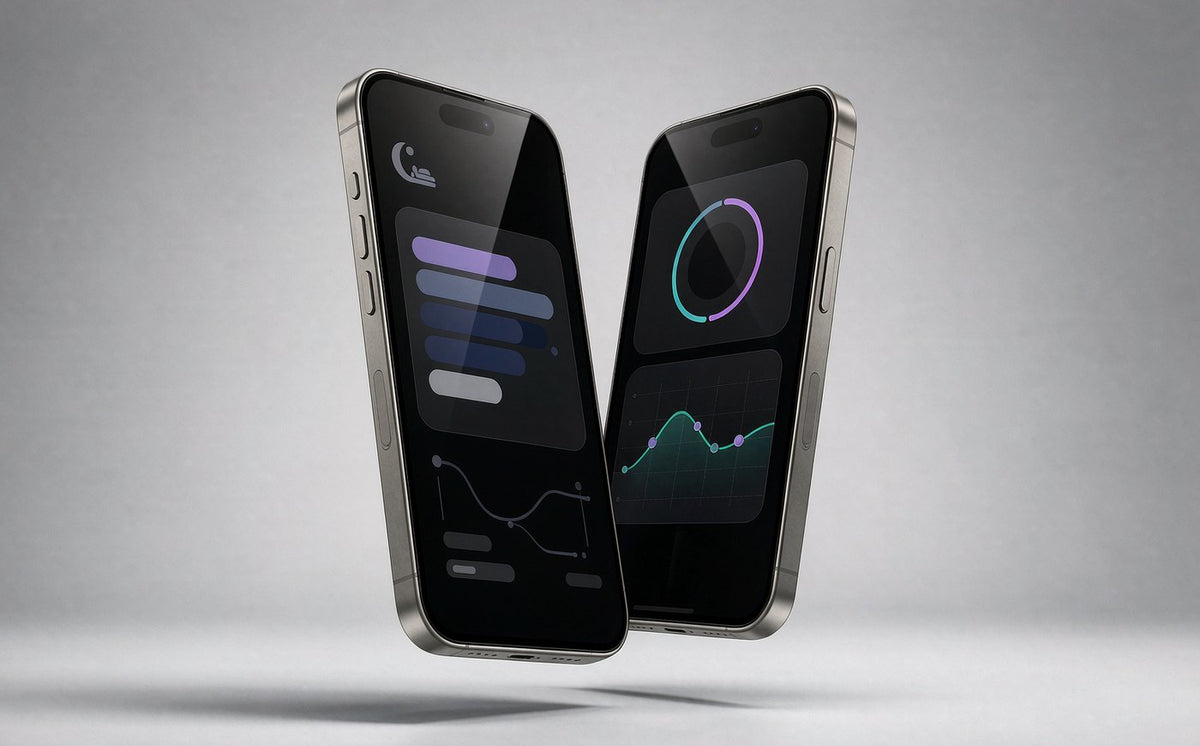

Gafas IA GP02 – Cámara 1080P y Traducción a 139 Idiomas
Recording, translation and open-ear audio in one frame. For meetings, travel and vlogs.
4.978 reseñas $79.99Frame
Free standard shipping on orders over $50. 30-day returns on unused items.
- ✓Capture Life Hands-Free——8MP camera with 1080P video lets you capture moments from your perspective.
- ✓AI & 139+ Language Translation——ChatGPT AI, object recognition, and real-time translation.
- ✓Stay Connected, Stay Aware——Bluetooth 5.4 for music and hands-free calls.
- ✓Lightweight All-Day Comfort——40.8g TR90 frame, IP65 protection, and photochromic lenses.
- ✓Adapt to Changing Light——Photochromic lenses automatically adjust for indoor and outdoor environments
Why the Daily Pro
Your day, recorded and translated
Look up, keep shooting
The camera sits where your eyes are. Tap and you are recording 1080P — no phone out, no moment missed.


139+ languages, live
The ChatGPT-powered assistant translates conversations in real time and answers questions about what you are looking at.
All-day open-ear audio
Experience clear music and hands-free calls with open-ear directional speakers. Stay connected to your audio while remaining aware of the world around you — for effortless listening on the go.

Compare
Daily Pro or Daily Core?
| ⭐ Daily Pro | Daily Core | |
|---|---|---|
| Camera | 8 MP stills, 1080P video | 8 MP stills, 1080P video |
| AI features | ChatGPT assistant, 139+ language translation | Voice AI + Scene Recognition |
| Real-Time Translation | Voice Translation / Image Translation | Voice Translation / Image Translation |
| AI Vision | Identify objects, understand images & scenes | Scene Recognition |
| Audio | Open-ear Bluetooth 5.4 | Open-ear Bluetooth 5.4 |
| Noise Reduction | Dual Microphone ENC Noise Reduction | Dual Microphone Noise Reduction |
| Lenses | Photochromic, UV400 | Polarized or blue-light, UV400 |
| Photo Capture | 8MP Photos | 8MP Photos |
| Video Recording | 1080P Video Recording | 1080P Video Recording |
| Battery | Up to 6 hours mixed use | Up to 90 min continuous recording |
| Charging | Proprietary Magnetic Charging Cable | USB-C Cable |
| Weight | 40.8 g | 38.9 g |
| App Support | HeyCyan | OWGlasses |
| Best For | Users who want advanced AI features, translation & smarter daily assistance | Users looking for affordable smart glasses with essential AI functions |
| Price | $79.99 | $69.99 |
In the box
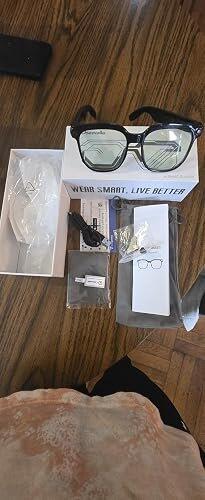
Inside the box
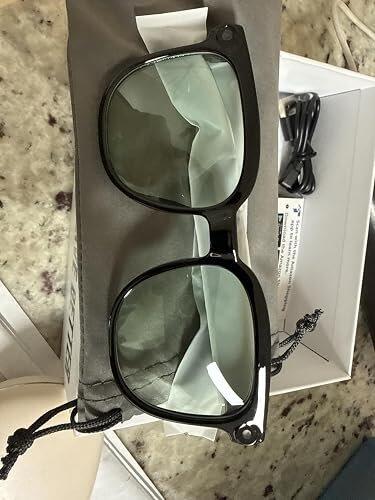
- ✓Daily Pro glasses
- ✓Charging cable
- ✓Cleaning cloth
- ✓glasses pouch
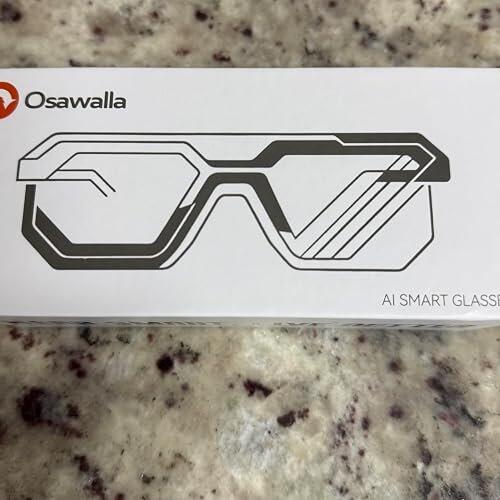
- ✓Daily Pro glasses Box
- ✓Quick start guide
- ✓OSAWALLA Support Card

Shipping, Warranty & Returns
Buy with confidence
Free standard shipping on all items , dispatched from our US warehouse in 1–2 business days.
Every Osawalla product is covered for 12 months against manufacturing defects, handled through our support center.
Unused items in resalable condition can be returned within 30 days of delivery for a full refund.
Specifications
Osawalla Daily Pro — full specification
| Camera | 8MP stills, 1080P video |
|---|---|
| Audio | Open-ear directional speakers, Bluetooth 5.4 |
| AI | ChatGPT assistant, object recognition, 139+ language translation |
| Frame | TR90, 40.8 g including lenses |
| Lenses | Photochromic, UV400 |
| Protection | IP65 — dust and splash resistant |
| Battery | Up to 6 hours mixed use, up to 60 min continuous recording |
| Charging | Magnetic 2-pin cable, 2.54 mm pin spacing |
| Subscription | None |
Reviews
What buyers say
I really love these smart glasses. I use them a lot because they are so convenient and have so many useful features. I can listen to music, answer and make phone calls, record videos and take pictures without having to take out my phone. One of my favorite features is the real-time translation, which is especially useful when traveling or communicating with someone who speaks another language. The AI voice assistant and object recognition are also very convenient and make the glasses feel much more advanced than regular glasses. The camera takes good-quality photos and videos, and being able to record hands-free is something I really enjoy. The sound quality for music and calls has also been great for my everyday use. These glasses have become something I use frequently because they make so many things easier. I’m very happy with them and definitely recommend them to anyone looking for smart glasses with lots of useful features.
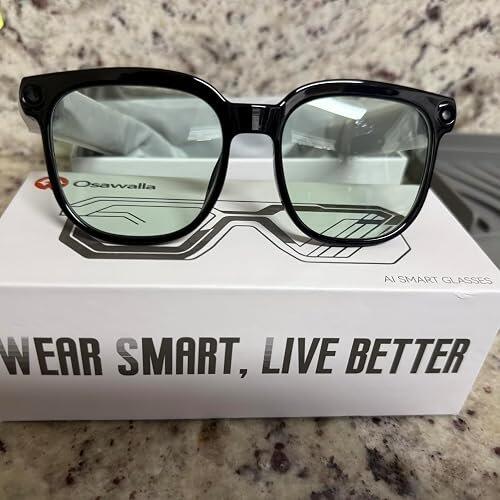
These smart glasses exceeded my expectations. The 8MP camera takes sharp photos and 1080P video with stabilization comes out very smooth, perfect for recording hands free. Real time translation and voice assistant work very well, and being able to listen to music and answer calls without taking out your cell phone is super comfortable. In addition, they are light and look good. Totally recommended!
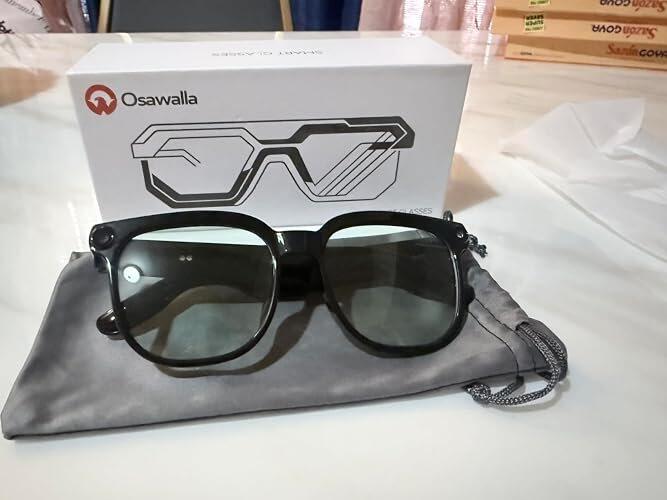
I absolutely loved these smart glasses. The 8MP camera records super sharp, stable video thanks to EIS, and the audio quality for music is flawless. The photochromic lenses are incredibly practical, as they adapt to any lighting conditions. Plus, I thought the AI features—like translation and object identification—were brilliant. Comfortable, stylish, and excellent quality. 10/10!
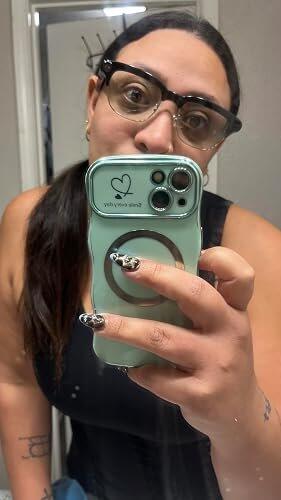
Im really loving the Product
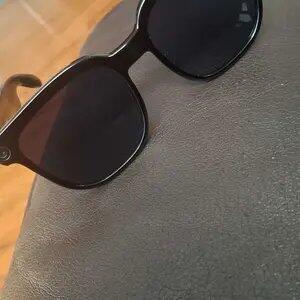
Really impressed with these glasses. The camera quality is great and the photochromic lenses work perfectly. The AI controls are simple to get used to.
The charging cable that comes with it is too short. I need to use an extra long cable when I’m out sightseeing. Still, it’s a great travel companion and I’d recommend it.

I am completely blown away by these smart glasses! The 1080P camera captures incredibly sharp videos and photos from my exact point of view, making it perfect for hands-free vlogging. The open-ear Bluetooth audio delivers clear sound for music and calls while letting me stay aware of my surroundings. Inicio de la cita destacada:I also love the photochromic lenses; they transition perfectly from clear indoors to dark sunglasses outside.Fin de la cita destacada The AI translation feature works like magic during travel. They are lightweight, stylish, and packed with high-tech features. Highly recommend them to anyone looking for a premium tech gadget!
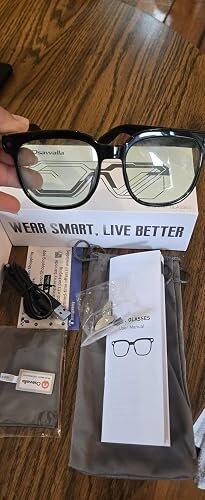
I like the design because they look more like natural, everyday glasses and less like obvious technology. The modern wire-frame rims are stylish and, in my opinion, work well for both men and women.
The 8MP camera produces adequate photos with decent color and depth in natural lighting. For me, the camera is primarily useful for documenting things for later recall—such as comparison shopping or capturing business hours and signage. If I want a great photograph, I'll use my cell phone.



I really like these smart glasses. They have a modern, lightweight design and are very comfortable to wear throughout the day. I find the camera very convenient for taking photos and recording videos without having to take out my phone. Another feature I really like is the photochromic lenses, which adapt to the light and darken when you’re outdoors. They also allow you to listen to music and make calls via Bluetooth.
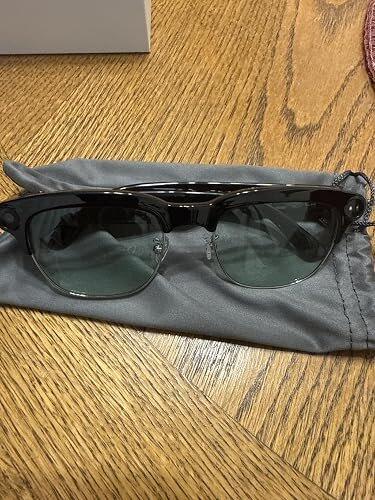
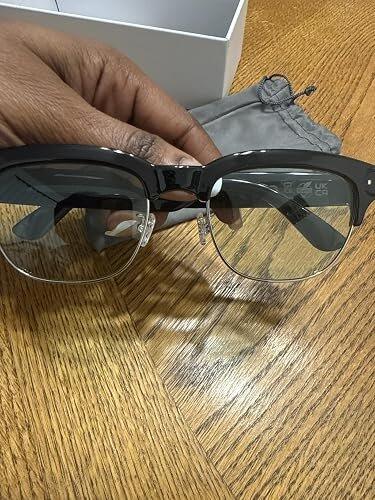
Better than expected! Shipping was fast and the videos are so clear
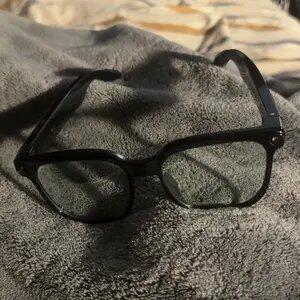
I am completely blown away by these smart glasses! The 1080P camera captures incredibly sharp videos and photos from my exact point of view, making it perfect for hands-free vlogging. The open-ear Bluetooth audio delivers clear sound for music and calls while letting me stay aware of my surroundings. I also love the photochromic lenses; they transition perfectly from clear indoors to dark sunglasses outside. The AI translation feature works like magic during travel. They are lightweight, stylish, and packed with high-tech features. Highly recommend them to anyone looking for a premium tech gadget!
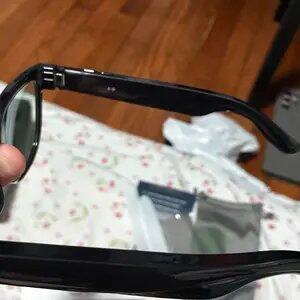
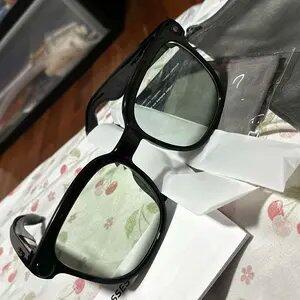
I love technology, and every day I discover even more amazing things! I bought these smart glasses, and they are fantastic. I love the frame design; they are made of sturdy material, and the black color looks great. They come with all their accessories, beautifully presented in their case. The lenses darken based on the intensity of the sunlight and lighten when there isn't any. These glasses let me listen to music and answer calls with a simple tap on the lens; they also take super-sharp photos and record videos and best of all, they feature real-time translation. They are so much fun and highly recommended!
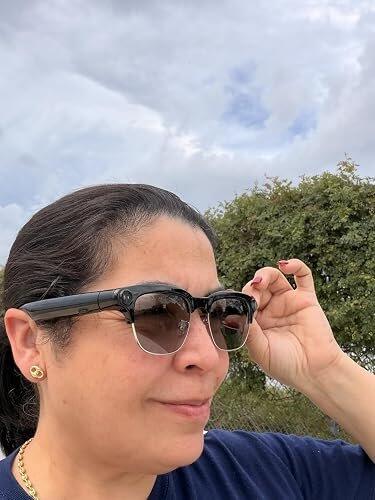
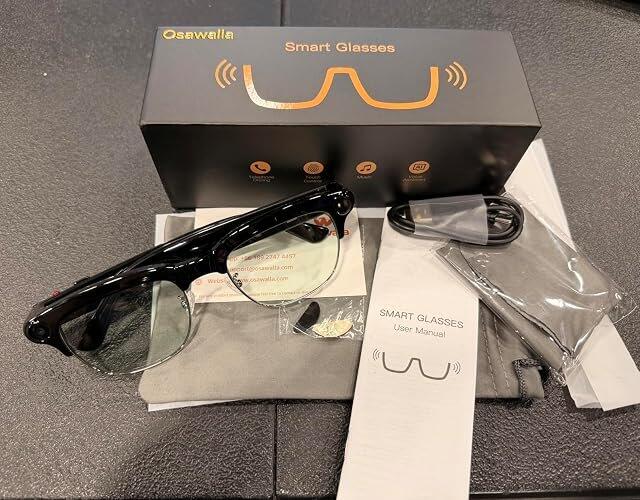

They are really nice & light weight I plan to use on my cruise to record as I make my podcast so excited
I've had these glasses for a little over a month. These glasses are amazing. The quality of the music plays loud, they're very study and durable. Hey Cyan works well. They also transition when you're out in the sun but not too dark just a little shaded.
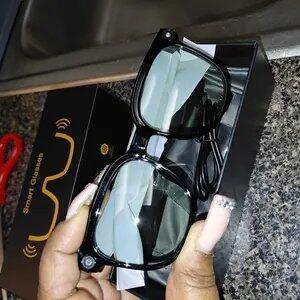
Tried out my friend’s RayBan Meta glasses and he even told me to try the cheaper version. I’m glad I did. Video quality is the same, speakers near the ear sound the same and the price is 25% the cost.

Works audio translation these are amazing hands-free video records camera amazing

Great quality and battery life
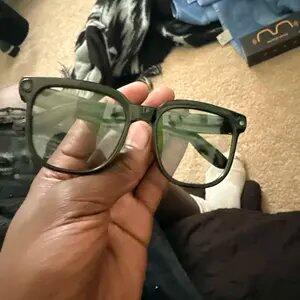
Good sound and quality recording
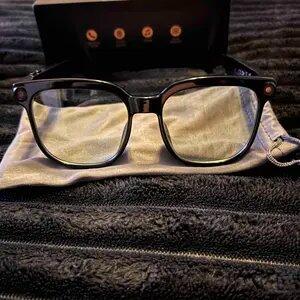
Me encantan son ideales los recomiendo 👍
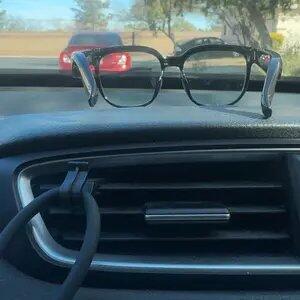
Great glasses there actually good quality, I would recommend it, if you guys are willing to sponsor I’ll do video with your glasses on and do my everyday life working and you guys and get all the views of these beautiful house I help build

satisfied The Camera quality isn’t that bad and They tint when it is bright outside wore them when fishing and the AI is on point

Muy conforme con el producto, vamos a seguirlo probando

I love the cheaper price and the quality of the pictures they take

Both your video and the picture function is amazing.
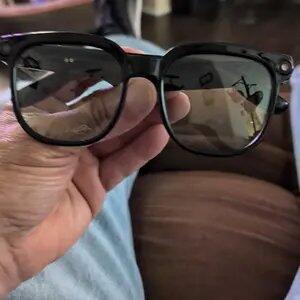
FAQ
Frequently asked questions
1. Confirm the glasses are powered on and connected to your phone.
2. Check your phone's Bluetooth settings to see if the glasses are connected.
3. Try unpairing and re-pairing the glasses.
4. Restart both the glasses and your phone's Bluetooth, then re-pair the glasses.
Some functions (such as data synchronization, making and receiving calls, and transferring photos) require a Bluetooth/Wi-Fi connection to the phone app, but basic functions (such as taking photos, recording audio, and recording video) can be used independently once connected to the app.
1. Ensure the glasses are in pairing mode (power on the glasses until the indicator light flashes).
2. Delete your phone's Bluetooth history (remove old devices in Bluetooth settings).
3. Restart both your phone and glasses.
4. Try connecting with another phone (to determine if the problem is with the glasses or the phone).
5. Restore factory settings.
1. Use close to your phone (ideally within 3 meters).
2. Turn off other Bluetooth devices (to reduce interference).
3. Update your glasses and the app.
1. For a better user experience, please download the latest version of the app.
2. Your phone system needs Android 9.0 or higher, or iOS 13.0 or higher to install and use.
1. You can learn how to take photos and videos on the homepage.
2. You can learn how to control it in My - New User Guide.
Bluetooth calls are supported, but open speakers may leak sound. For privacy calls, it is recommended to use a headset or lower the volume.
There will be a prompt via indicator light or sound, but please be aware of local privacy regulations to avoid unauthorized filming of others.
1. Ensure your phone's Wi-Fi is turned on and can connect to the glasses' Wi-Fi during import.
2. Ensure both the glasses and your Wi-Fi are up-to-date.
3. Restart the glasses and the app.
1. Primarily stored in the glasses' local memory (temporary storage).
2. After connecting, they can be transferred to the app.
You might also like
Shop all accessories


Setup, pairing, charging and troubleshooting walkthroughs live in the support center.