Smart Bracelet
BG02 — guides, specs and answers
Getting Started
No — the BG02 is deliberately screen-free. Start workouts from the strap or the app; all data lives on your phone.
Double-press the strap button to launch the last mode, or pick from 50+ modes in the app.
Connection
Stand outdoors with a clear sky view for up to 60 seconds before starting. The strap records GPS independently of your phone.
Open the app with Bluetooth on; data syncs automatically. Pull-to-refresh forces a manual sync.
Charging
7–20 days depending on GPS use. A full charge takes 1.5 hours.
Wipe the two pins on the strap with a dry cloth; avoid charging while wet.
Care
IP68 covers showers, rain and pool laps. Rinse with fresh water after pool sessions; avoid salt water and high-pressure jets.
Replacement bands are available on the Replacement bands collection page — swap takes seconds.
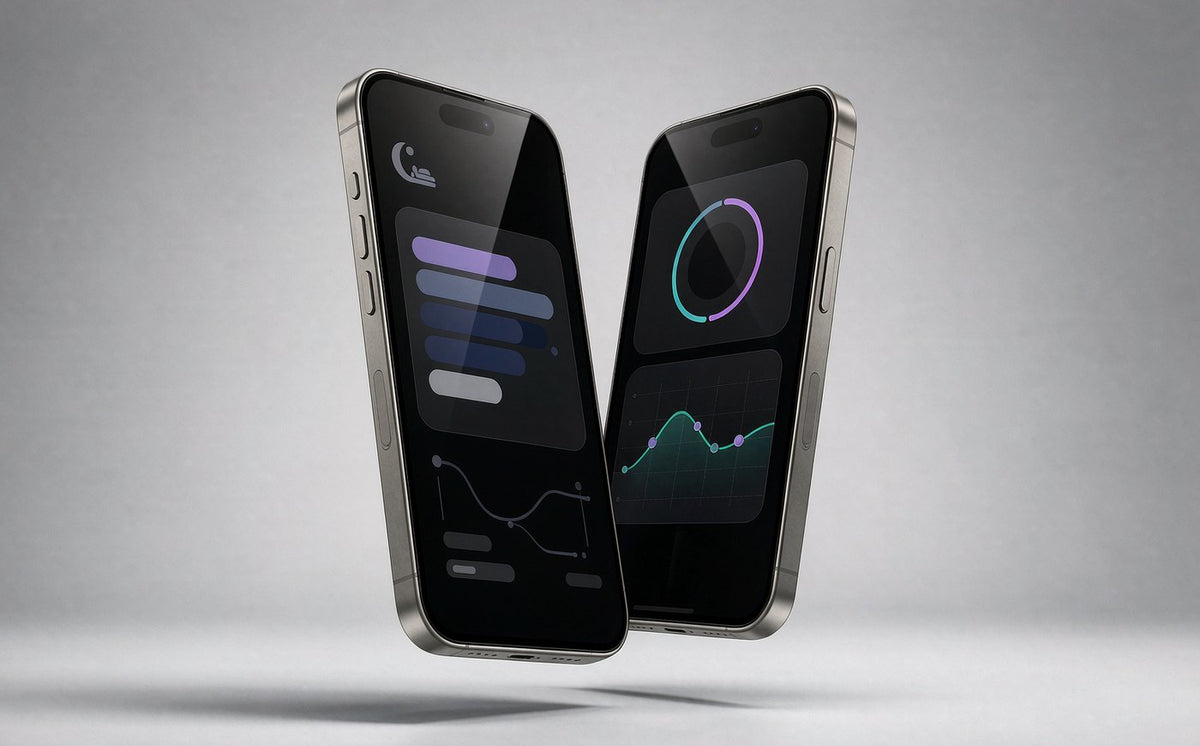
Free on iOS and Android — no subscription.
Download app ios android download install| Model | BG02 · SKU 2208A |
|---|---|
| Sports modes | 50+ with built-in GPS |
| Health monitoring | 24/7 heart rate, SpO₂, HRV, stress, sleep |
| Battery | 7–20 days, 1.5-hour charge |
| Water resistance | IP68 |
| App | OSAWALLA app — iOS and Android, no subscription |

Our team is on shift now — real humans, 7 days a week.