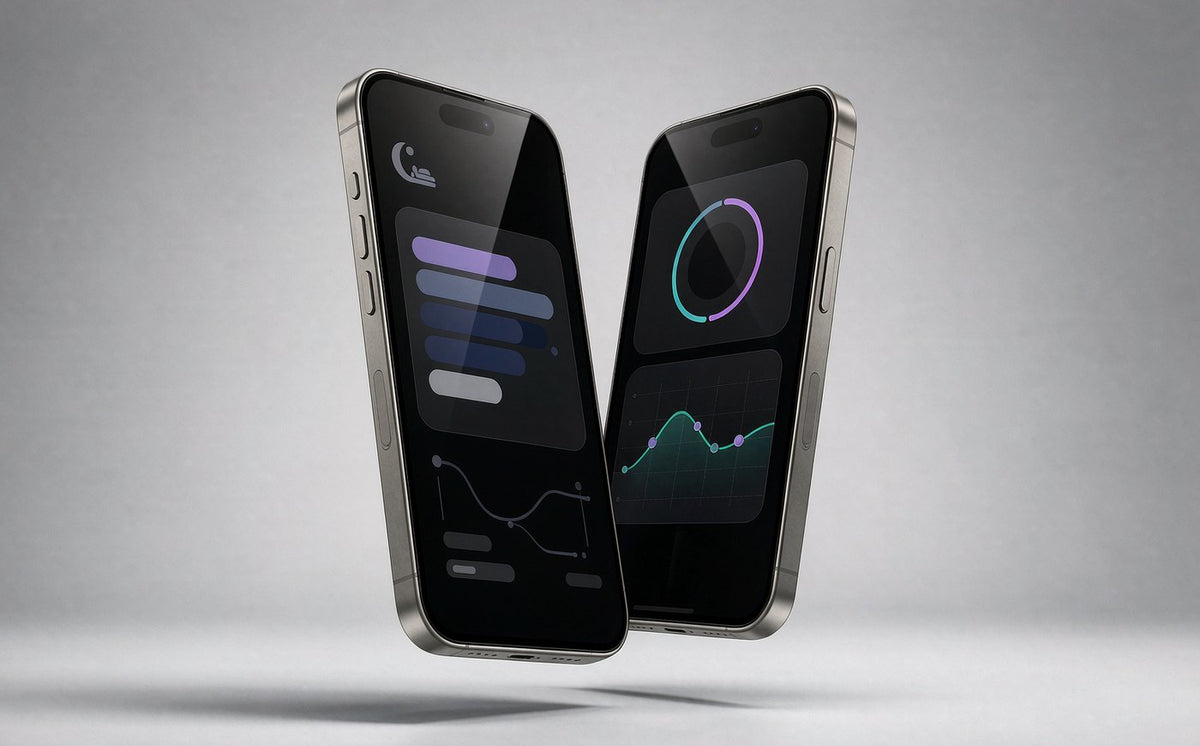
The OWRing app
Health, sleep, and activity —
all on your finger.
A clean daily dashboard that turns ring sensor data into clear insights: steps, sleep stages, heart rate, HRV, stress, blood oxygen, and AI-powered recovery reports.

Five tabs. One complete picture.
Navigate between your daily summary, recovery insights, sleep analysis, support, and device settings.
 Home
Home
 Recovery
 Sleep
Sleep
 Support
 Profile
Everything the app tracks
Each metric opens into a detailed view with day, week, and month trends.


Your day at a glance
The Home tab summarizes activity, recovery, sleep, workouts, heart rate, blood oxygen, HRV, stress, and menstrual cycle — all scrollable in one place.
- Activity rings for steps, calories, and active duration
- Recovery card with AI health report status
- Daily Tag mood and lifestyle notes


Activity & workouts
Track steps, distance, calories, and active minutes. Workouts are detected automatically or listed in your workout history, with GPS routes and weekly MET-minute totals.
- Day / Week / Month activity views
- Automatic workout detection
- 7-day goal rings and peer comparison


Sleep science
Wake up to a full sleep report: time asleep, sleep stages, quality score, heart rate, HRV, blood oxygen, and movement status through the night.
- Deep, Light, REM, and Awake stage breakdown
- Sleep quality score with latency and efficiency
- 7-day and monthly sleep trends


Heart health
Monitor all-day heart rate, heart-rate zones, and blood oxygen saturation — each with clear graphs and educational context.
- Resting, sleeping, and workout heart rate
- Heart-rate zones based on your profile
- SpO2 measurements and last 7 records


HRV & stress
Track heart rate variability and stress levels throughout the day. Both metrics include explanations and compare against your personal baseline.
- All-day HRV trends and sleep HRV
- Stress ratio: Relaxed, Normal, Medium, Stressed
- Built-in educational guidance for each metric


AI recovery report
Tap once to generate a daily AI report that combines your activity, sleep, resting heart rate, HRV, and stress into a simple recovery summary.
- One-tap “Generate today’s report”
- Personalized insights based on your data
- Tracks recovery trends over time

Women’s health
Menstrual cycle tracking predicts periods and ovulation windows with calendar and reminder support.
- Period and ovulation predictions
- Custom notification reminders
- Visual calendar with color-coded phases
Connects to the apps you already use
Sync workouts and health data with Apple Health and Strava — no manual export needed.


Authorize once from the Profile tab. Your ring data flows into Apple Health, and workout records can be pushed straight to Strava.
More than tracking
Gestures, firmware, and device settings are all built into the app.

Gesture camera control
Shake the hand wearing the ring to trigger your phone camera shutter — useful for hands-free photos.
- No extra remote needed
- Works from the OWRing app camera view

Device & firmware management
Check battery level, MAC address, firmware version, and install over-the-air updates from the Profile tab.
- Battery and connection status
- One-tap firmware upgrade
- Goal, profile, and measurement-interval settings
App gallery
Real screens from the OWRing app.


Get started in three steps
No complicated setup. Wear, pair, and open the app.
- 1
Wear the ring
Choose a finger that fits snugly. A loose ring can rotate and weaken sensor readings.
- 2
Pair with the app
Download OWRing, create an account, and pair your ring over Bluetooth.
- 3
Check your data
Open the Home tab to see today’s activity, recovery, and sleep summary.
Help when you need it
Tap the Support tab to start a conversation with the OWRing team. Whether it’s sizing, setup, or firmware questions, support is built into the app.
- In-app chat support
- Device info ready to share
- Sizing and exchange assistance
Download the OWRing app
Available on iOS and Android. Pair your ring and start seeing your health data in minutes.
Wellness, not medical care. OWRing is a consumer wellness device and app, not a medical monitor.