Smart Glasses
Daily · Sport · Chic — guides, specs and answers
Getting Started
A single tap on the right temple starts 1080P recording; the indicator light confirms. Tap again to stop.
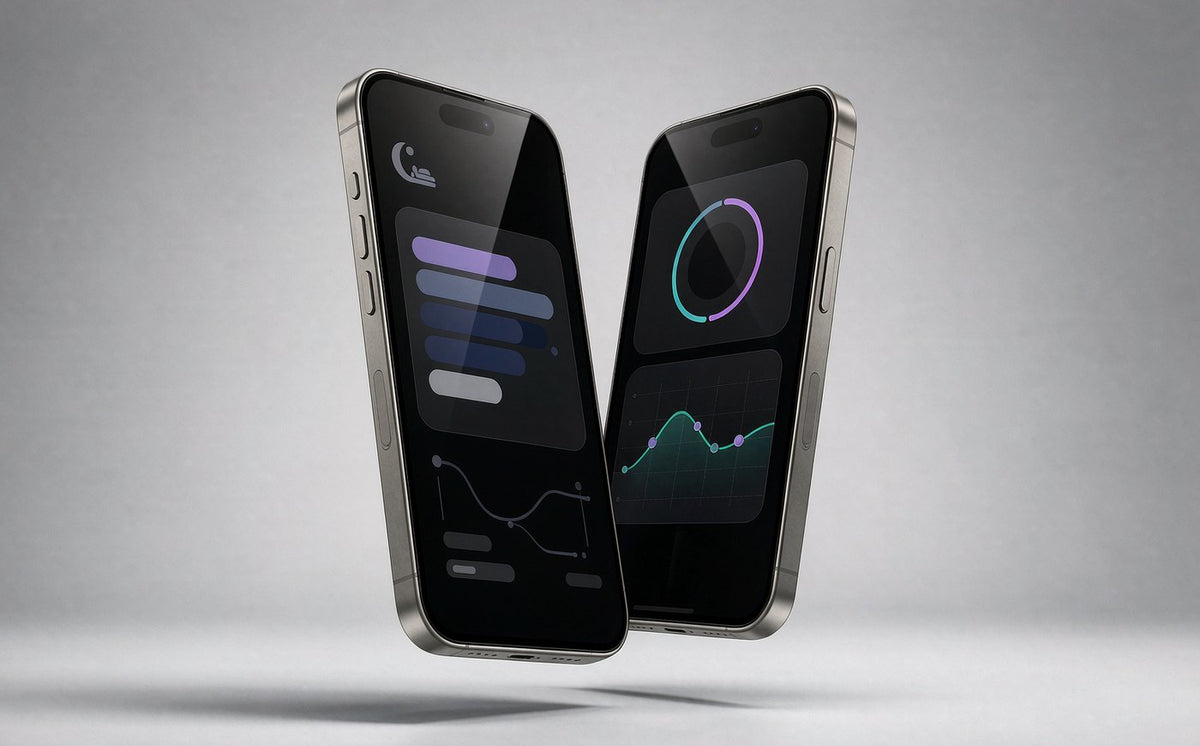
Recording and audio work standalone. Translation, meeting notes and firmware updates use the free OSAWALLA app.
Yes — the frame accepts prescription lenses from your optician without affecting the electronics.
Connection
Hold the pairing button for 5 seconds until the light flashes, keep the glasses within 1 m of your phone, and retry from the app.
Open-ear audio uses a Bluetooth 5.4 link — keep your phone in a front pocket rather than a back pocket or bag.
Connect the glasses and phone to the same 2.4 GHz network, then retry transfer from the app gallery.
Charging
Use the magnetic 2-pin cable — the connector snaps on and aligns itself. A full charge takes about 90 minutes.
Use the included cable or the Osawalla replacement — the 2.54 mm pin spacing must match exactly.
Care & Safety
Daily/Sport: IP65 dust and splash resistant. Chic: IPX4. None are rated for swimming.
Recording laws vary — always respect consent and privacy rules where you are. The indicator light shows when the camera is active.
Clean with the included microfiber cloth. Avoid alcohol wipes on electrochromic (Chic) lenses.
Free on iOS and Android — no subscription.
Download app ios android download install| Camera | 8 MP stills, 1080P video (Daily & Sport models); none on Chic |
|---|---|
| Audio | Open-ear directional speakers, Bluetooth 5.4 |
| Battery | 5–8 hours mixed use depending on model |
| Charging | Magnetic 2-pin cable, 2.54 mm spacing |
| Protection | IP65 (Daily/Sport) / IPX4 (Chic) |

Our team is on shift now — real humans, 7 days a week.